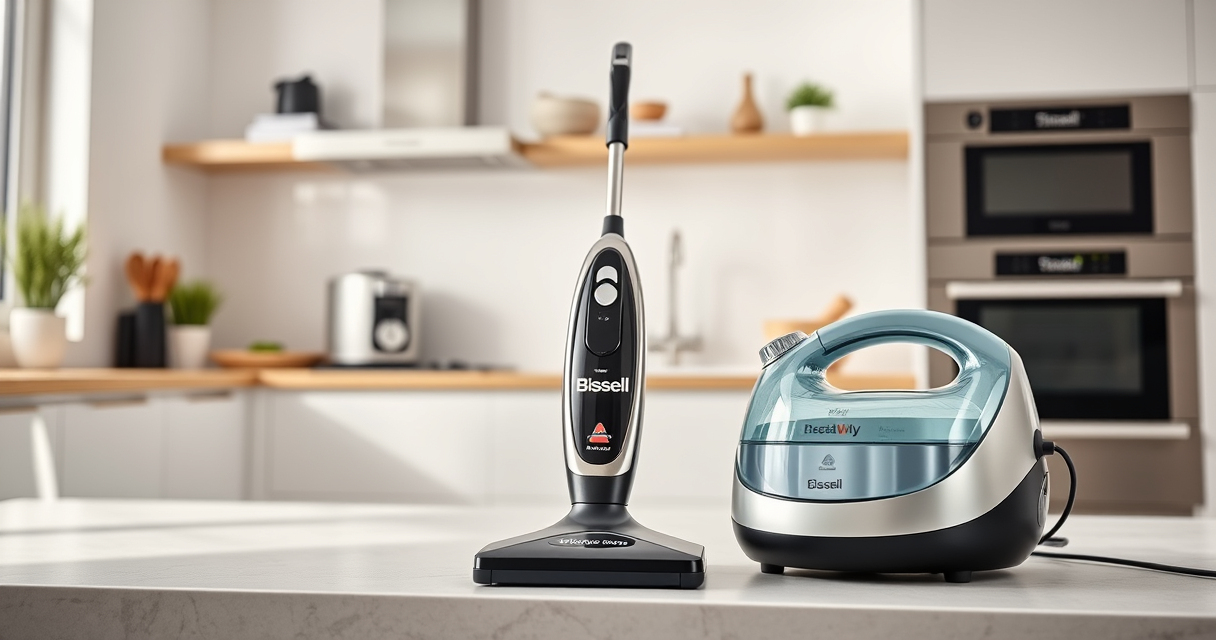
Keeping your Bissell ProHeat 2X Revolution Pet Turbo upright carpet cleaner performing at its best requires proper maintenance and troubleshooting. Whether you’re facing suction issues, leaks, or cleaning inefficiencies, this guide provides clear, step-by-step instructions to help you resolve common problems safely and effectively. Regular care not only extends the life of your machine but also ensures professional-grade results every time you clean.

Get home appliances delivered free with Prime
- Fast, free delivery on millions of items
- Prime Video, Amazon Music and more included
- Member-only deals all year
Before diving into troubleshooting, gather your machine, a soft cloth, distilled water, and the recommended cleaning solutions. Always unplug your device before performing any maintenance or repairs to prevent accidents. Follow each step carefully, and refer to the tips and warnings to keep your cleaning safe and effective.
Key Takeaways
| Regular Maintenance | Keeps your machine performing optimally. |
| Troubleshooting Suction Issues | Identify and resolve blockages or clogs. |
| Cleaning & Care | Proper cleaning of brushes and filters extends lifespan. |
| Common Problems | Learn to fix leaks, strange noises, and more. |
| Use Recommended Solutions | Ensure compatibility for best results. |
Preparing for Troubleshooting
Before starting any troubleshooting, ensure your Bissell ProHeat 2X Revolution Pet Turbo is unplugged. Gather essential tools such as a soft cloth, a small screwdriver if needed, and the recommended cleaning solutions. Familiarize yourself with the user manual for specific parts and safety instructions. Check that your machine’s water tank is empty and that filters and brushes are accessible for inspection.
It’s also helpful to identify the issue—whether it’s low suction, leaks, or poor cleaning performance—as this guides your next steps effectively.
Step 1: Addressing Suction Power Problems
- Remove the water and solution tanks, then detach the brush roll cover as per your model’s manual.
- Inspect the brush roll for hair, debris, or obstructions. Clear any tangled hair or fibers carefully.
- Check the filters located near the water tanks. Rinse them with warm water and let them dry completely before reinstalling.
- Ensure the hose and nozzle are free of clogs. Use a long, flexible brush or a compressed air can to clear blockages.
- Reassemble all parts, fill the tanks with clean water or cleaning solution, and run a test cycle to verify suction power.
Step 2: Fixing Leaks and Water Drips
- Unplug the machine and empty all tanks. Inspect the tank seals and gaskets for cracks or damage.
- Clean the seals with a damp cloth to remove dirt or residue that might cause leaks.
- Check the water tanks for cracks or warping. Replace if necessary.
- Ensure the lid and caps are securely closed and properly fitted.
- Examine the hose connections for tightness and any signs of damage. Replace hoses if damaged.
- After reassembling, run a short cleaning cycle to test for leaks and verify proper sealing.
Step 3: Maintaining Brushes and Filters
Regularly cleaning brushes and filters maximizes cleaning efficiency and prolongs your machine’s lifespan. Remove the brush roll according to your model’s instructions, then rinse with warm water to remove hair and debris. Use a small brush to scrub stubborn dirt from the bristles.
Filters should be checked monthly. Rinse foam filters under water and let them dry completely before reinstalling. Replace any filters that are damaged or overly worn to maintain optimal performance.
Step 4: Using Recommended Cleaning Solutions
Always use solutions compatible with your Bissell model. For the ProHeat 2X Revolution Pet Turbo, BISSELL Multi-Surface Solution is ideal for general cleaning, while the 78H63 Deep Clean Pro 4X is best for heavily soiled carpets.
Avoid using harsh chemicals or household cleaners not specified for your machine, as they can damage internal components or void warranties.
Tips and Warnings for Safe Maintenance
- Always unplug the machine before cleaning or repairing.
- Do not immerse electrical parts in water; clean only with a damp cloth.
- Check hoses and parts regularly for wear or damage and replace as needed.
- Use only manufacturer-approved cleaning solutions to avoid damage.
- Allow all parts to dry completely before reassembling to prevent mold growth.
The Products in This Guide

BISSELL ProHeat 2X Revolution Pet Turbo Upright Carpet C
- ✔ Power: TurboStrength Motor
- ✔ Suction: Enhanced for deep cleaning
- ✔ Noise: Reduced for quieter operation

JORAIR Brush Replacement Compatible
- ✔ Package: Includes brushes & filters
- ✔ Compatibility: Multiple models
- ✔ Ease: Simple to install
BISSELL ProHeat 2X Revolution Pet Turbo Upright Carpet C
<p>The BISSELL ProHeat 2X Revolution Pet Turbo is designed to handle pet stains and heavy-duty cleaning with its powerful TurboStrength motor and dual bristle powerbrushes. It offers a professional-grade clean with user-friendly features, making maintenance straightforward.</p>
Pros:
- Powerful suction and cleaning
- Quiet operation with noise reduction
- Effective pet stain removal
- Fast drying with Express Clean Mode
Cons:
- Heavy and bulky for small spaces
- Requires regular filter cleaning
- Can be noisy if filters are clogged
Best for: Pet owners and those with heavily soiled carpets
Not ideal for: Light cleaning or for very small carpets
Bottom line: A powerful, pet-friendly carpet cleaner that performs like a professional machine.
JORAIR Brush Replacement Compatible
<p>This compatible brush replacement and filter set offers an affordable way to keep your Bissell CrossWave running smoothly. The package includes three multi-surface brush rolls and filters, ensuring your machine maintains optimal cleaning performance.</p>
Pros:
- Affordable price
- Easy to install
- Compatible with many CrossWave models
- Includes multiple replacements
Cons:
- Not OEM, may wear faster
- Limited to specific CrossWave models
- Filters may need frequent replacement
Best for: Regular maintenance of CrossWave units
Not ideal for: Non-CrossWave vacuums or incompatible models
Bottom line: A cost-effective way to keep your CrossWave at peak performance.
Frequently Asked Questions
How often should I clean the filters?
Check the filters monthly. Rinse foam filters with warm water and let them dry completely before reinstalling. Replace filters every 3-6 months or when they show signs of wear.
Why is my machine not suctioning properly?
This often results from blockages in the hose or nozzle or dirty filters. Remove and inspect these parts, clear any debris, and ensure filters are clean and properly seated.
What should I do if my machine leaks water?
Check the water tanks and seals for cracks or improper fitting. Clean the seals and replace damaged tanks or hoses. Ensure all caps and lids are securely closed.
Can I use any cleaning solution with my Bissell?
Use only solutions recommended for your model, like BISSELL Multi-Surface Solution or Deep Clean Pro 4X for tough stains. Harsh or incompatible chemicals can damage your machine.
How do I reset my machine if it stops working?
Unplug the machine, wait for 30 seconds, then plug it back in. Check for any blockages or clogged filters. If problems persist, contact customer service for further assistance.
Keeping Your Bissell 2026 in Top Shape
Proper maintenance and troubleshooting are key to ensuring your Bissell ProHeat 2X Revolution Pet Turbo continues to deliver professional results. Regularly inspect and clean filters, brushes, and hoses, and always use compatible cleaning solutions. When issues arise, following the step-by-step guide can help you resolve common problems quickly and safely, extending your machine’s lifespan and maintaining its cleaning power.
With attentive care, your Bissell will remain a trusted partner in keeping your home clean and fresh for years to come.
Affiliate disclosure: As an Amazon Associate we earn from qualifying purchases. Prices and availability are accurate as of the time of publishing.
NFL season / tailgating Picks
team gear
As an affiliate, we earn on qualifying purchases.