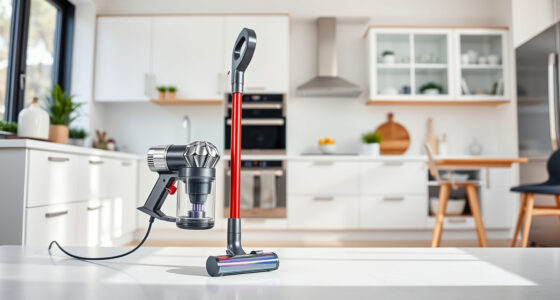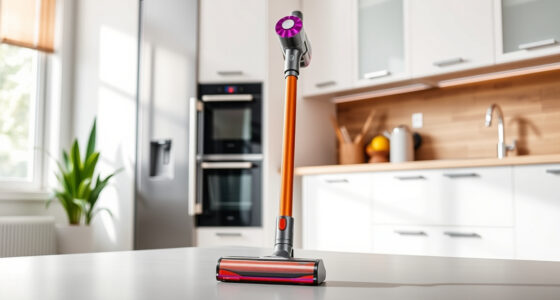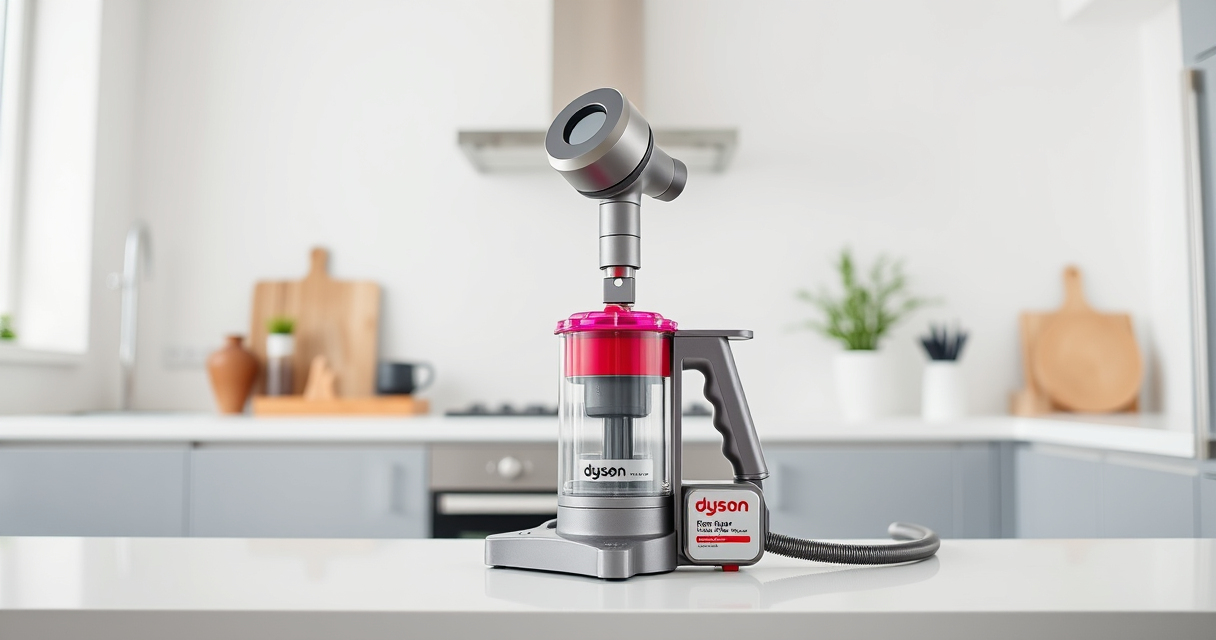

Getting your new Dyson V15 Detect™ Origin cordless vacuum ready for use might seem straightforward, but proper setup ensures maximum performance and longevity. In this guide, you’ll find clear, practical steps to assemble, configure, and troubleshoot your Dyson vacuum, making your cleaning routine more efficient and safe.

Get home appliances delivered free with Prime
- Fast, free delivery on millions of items
- Prime Video, Amazon Music and more included
- Member-only deals all year
Whether you’re a first-time Dyson user or upgrading to the V15 Detect™, following these instructions will help you get the most out of your investment.
Key Takeaways
| Powerful performance | The Dyson V15 Detect™ offers 100% more power with intelligent debris detection. |
| Easy assembly | Step-by-step guidance ensures quick and safe setup. |
| Routine maintenance | Regular filter and part checks sustain optimal performance. |
| Troubleshooting tips | Identify and resolve common setup issues easily. |
Unboxing and Initial Inspection
- Carefully open the packaging and remove all components, including the main vacuum unit, cleaner heads, crevice tool, pre-filters, and accessories.
- Inspect each part for any visible damage or defects. Confirm that all included items match the contents list.
- Familiarize yourself with the components, especially the LCD screen, power trigger, and cleaner heads, to ensure smooth assembly.
Assembling the Vacuum
- Attach the cleaner head: Align the connector on the cleaner head with the wand or main body, then push until it clicks securely into place.
- Connect the wand to the main body, ensuring a firm fit.
- If using the handheld mode, detach the wand by pressing the release button and attach the desired tool, like the crevice tool, for targeted cleaning.
- Ensure all connections are tight and locked in place before powering on.
Installing and Maintaining Filters
Proper filter installation is crucial for optimal suction and performance. Use the included pre-filters or replacement filters like the 3Pack Pre Filters or V10 filters, if needed. Rinse filters with water, wring out excess moisture, and let them air dry completely before reinstallation, typically every 2-3 months.
To install, align the filter with the designated slot on the vacuum body, ensuring a snug fit to maintain suction efficiency.
Powering On and Configuring Settings
- Press the power trigger to turn on the vacuum. The LCD screen will display debris detection, power mode, and remaining run time.
- Adjust the power mode using the buttons on the LCD, if available, for different cleaning needs.
- Familiarize yourself with maintenance alerts and other notifications displayed on the screen to keep your vacuum performing at its best.
Troubleshooting Common Setup Issues
If your vacuum isn’t powering on, check that all components are correctly assembled and seated properly. For suction problems, verify filters are clean and installed correctly. If the LCD shows errors, consult the user manual or reset the vacuum by turning it off and on again. Regularly cleaning the cleaner heads and filters prevents performance drops and prolongs your vacuum’s lifespan.
The Products in This Guide

Dyson V15 Detect™ Origin Cordless Vacuum
- ✔ Battery Life: 60 minutes
- ✔ Weight: Lightweight design
- ✔ Filter Type: High-efficiency filters

LANMU Crevice Tool Vacuum Attachments Compatible
- ✔ Compatibility: Multiple Dyson models
- ✔ Material: Durable plastic
- ✔ Design: Slim and flexible
Dyson V15 Detect™ Origin Cordless Vacuum
The Dyson V15 Detect™ Origin offers unmatched cleaning power and smart features. With a straightforward assembly process and regular maintenance, it’s ideal for deep cleaning your entire home. Its LCD screen provides real-time data to optimize your cleaning sessions.
Pros:
- Powerful and intelligent cleaning
- Long 60-minute runtime
- Multiple cleaning heads for versatile use
- LCD screen with real-time updates
Cons:
- Heavier than some handhelds
- Requires regular filter cleaning
- Premium price point
Best for: Whole-home deep cleaning, pet owners, hard floors and carpets
Not ideal for: Users seeking ultra-lightweight models, minimal maintenance needs
Bottom line: A high-performance cordless vacuum perfect for comprehensive home cleaning.
LANMU Crevice Tool Vacuum Attachments Compatible
The LANMU Crevice Tool Attachments fit various Dyson models, including the V15. Its slim, flexible design makes reaching tight spots easier, whether in your car or in hard-to-reach corners at home.
Pros:
- Narrow nozzle for tight spaces
- Compatible with many Dyson models
- Easy to attach and use
- Versatile for home and car cleaning
Cons:
- Not compatible with V6 or canister models
- May require additional extension tools for very deep spaces
Best for: Cleaning corners, upholstery, and car interiors
Not ideal for: General cleaning where wider attachments are preferred
Bottom line: A practical addition for detailed and hard-to-reach cleaning tasks.
Frequently Asked Questions
How do I reset my Dyson V15 after maintenance?
Turn off the vacuum, disconnect it from the charger, and press the power trigger for about 10 seconds. Then, turn it back on to reset the system.
Why is the suction weaker than expected?
Check that the filters are clean and properly installed. Also, ensure the cleaner heads are free of hair or debris clogging the brush bar.
Can I use third-party filters or attachments?
It’s recommended to use Dyson-approved filters and attachments for optimal performance and to avoid voiding the warranty.
How often should I clean the filters?
Rinse the filters with water every 2-3 months and let them air dry completely before reinstalling.
What should I do if the LCD shows an error?
Refer to the user manual for specific error codes. Usually, turning the vacuum off and on or cleaning the filters resolves common issues.
Master Your Dyson V15 Detect™ Setup for Ultimate Cleaning
Setting up your Dyson V15 Detect™ Origin cordless vacuum is straightforward with the right steps. Proper assembly, filter maintenance, and understanding your LCD screen will help you achieve optimum cleaning results. Regular troubleshooting keeps your vacuum performing at its best, ensuring your home stays spotless with less hassle.
Enjoy the power and intelligence of your Dyson, and remember that routine care extends its lifespan and effectiveness. Happy cleaning!
Affiliate disclosure: As an Amazon Associate we earn from qualifying purchases. Prices and availability are accurate as of the time of publishing.
Fall Picks
fall essentials
As an affiliate, we earn on qualifying purchases.