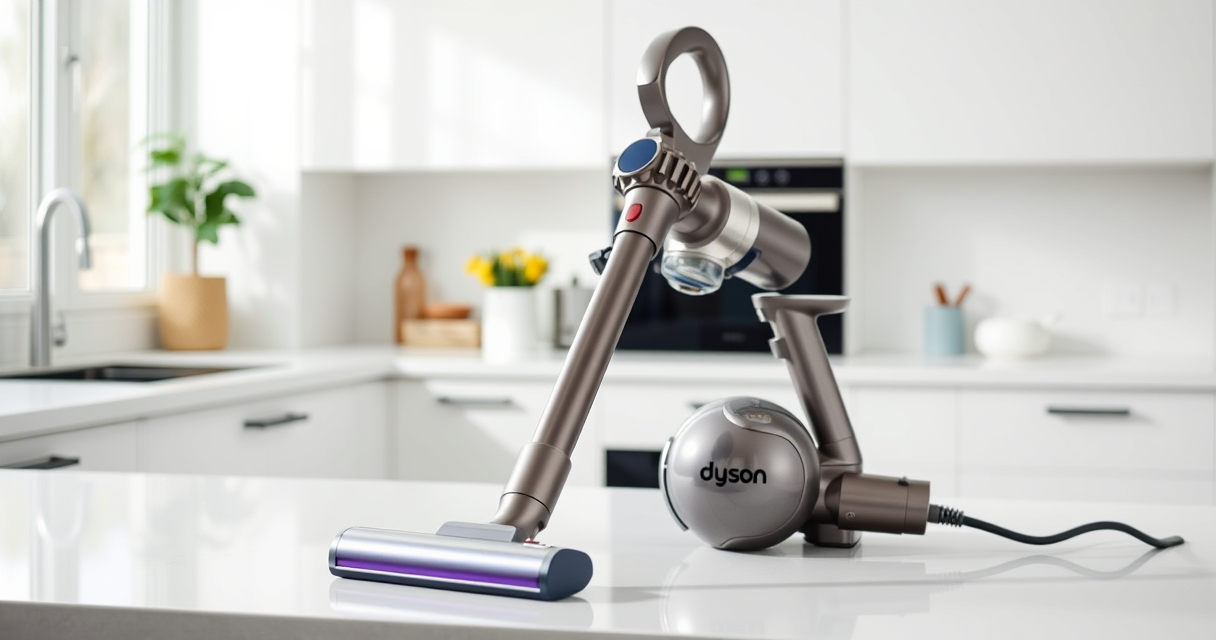
Maintaining your Dyson V15 Detect™ Origin Cordless Vacuum is essential to ensure it delivers optimal cleaning performance over time. Regular upkeep not only prolongs the lifespan of your device but also maintains its suction power and efficiency. This guide provides practical, step-by-step instructions on how to clean, replace parts, troubleshoot common issues, and keep your vacuum running smoothly.

Get home appliances delivered free with Prime
- Fast, free delivery on millions of items
- Prime Video, Amazon Music and more included
- Member-only deals all year
Whether you’re a new user or a seasoned pro, following these maintenance tips will help you get the most out of your Dyson vacuum. Always remember to follow safety precautions and consult your user manual for specific instructions related to your model.
Key Takeaways
| Regular Filter Cleaning | Pre-filters and main filters should be cleaned every 2-3 months for optimal suction. |
| Battery & Motor Care | Keep the battery charged properly and check for motor blockages or debris. |
| Brush & Nozzle Maintenance | Clear tangled hair and debris from brushes and nozzles to prevent clogs. |
| Inspect & Replace Parts | Replace filters and worn parts as recommended to maintain performance. |
| Troubleshooting Tips | Identify common issues like loss of suction or motor errors and resolve quickly. |
Cleaning the Filters
- Remove the Pre-Filters: Locate the pre-filters at the top of the vacuum or near the cyclone. Remove and rinse under water without detergent. Allow to air dry completely before reinstalling.
- Replace Main Filters: Use the 3Pack Pre Filters Replacement or the Replacement V10 Filters as needed. Rinse gently with water and let dry thoroughly.
- Reassemble and Check: Once dry, reattach filters securely. Properly cleaned filters restore suction and prevent dust escape.
Inspecting and Maintaining the Motor & Cyclone
Regularly check the cyclone for dust buildup. Use a soft brush or cloth to remove debris from the cyclone chamber. Ensure the motor vents are free from obstructions. If the vacuum shows reduced power, cleaning these components often restores performance.
Cleaning and Maintaining the Brush Heads
- Remove Hair & Debris: Detach the Digital Motorbar or Fluffy Optic cleaner head and clear tangled hair or fibers from the brush bar and rollers.
- Check for Blockages: Inspect the nozzles for obstructions and clear debris with a stick or tool.
- Reassemble and Test: Reattach the cleaner heads and run the vacuum to confirm smooth operation.
Troubleshooting Common Problems
If your Dyson vacuum isn’t performing as expected, consider these troubleshooting tips:
- Loss of Suction: Clean or replace filters, check for blockages in nozzles and hoses.
- Battery Issues: Ensure the battery is charged fully. Replace if the run time is significantly decreased.
- Motor Errors: Inspect for debris near the motor vents. Contact Dyson support if error codes appear.
Replacing Filters and Parts
Using the correct replacement parts is vital. The 3Pack Pre Filters Replacement and Replacement V10 Filters are compatible options. Follow these steps for replacements:
- Turn off and unplug the vacuum.
- Remove the old filters according to your model’s instructions.
- Install the new filter, ensuring it clicks into place securely.
- Run the vacuum briefly to verify proper installation.
The Products in This Guide

Dyson V15 Detect™ Origin Cordless Vacuum
- ✔ Weight: Approx. 6.8 lbs
- ✔ Run Time: Up to 60 min
- ✔ Filter Type: HEPA and washable

LANMU Crevice Tool Vacuum Attachments Compatible
- ✔ Compatibility: Most Dyson cordless models
- ✔ Material: High-strength plastic
- ✔ Weight: Lightweight
Dyson V15 Detect™ Origin Cordless Vacuum
The Dyson V15 Detect™ Origin Cordless Vacuum combines power, intelligence, and ease of maintenance. Its advanced features, including a laser revealing invisible dust, make cleaning more effective and less time-consuming. Regular maintenance is straightforward with simple cleaning routines for filters, brushes, and filters replacement, ensuring consistent performance.
Pros:
- Powerful suction and intelligent cleaning modes
- Removable filters for easy cleaning
- Long-lasting battery life
- Versatile with multiple attachments
Cons:
- Filters require regular cleaning or replacement
- Can be heavy for extended use
- Cost of replacement parts
Best for: Ideal for homeowners seeking a deep, thorough clean with minimal fuss.
Not ideal for: Not suitable for those looking for a lightweight or budget-friendly vacuum.
Bottom line: A powerful, smart vacuum that requires regular maintenance for peak performance.
LANMU Crevice Tool Vacuum Attachments Compatible
The LANMU Crevice Tool Vacuum Attachments seamlessly fit Dyson V15 models, providing narrow and versatile access to tricky corners and tight spaces. It’s an essential addition for detailed cleaning in homes and cars, ensuring no dust is left behind.
Pros:
- Narrow nozzle for tight spaces
- Flexible and easy to maneuver
- Compatible with multiple Dyson models
- Helps reach difficult areas
Cons:
- Additional attachment that needs storage
- May not fit older Dyson models
- Requires careful handling to avoid damage
Best for: Perfect for cleaning corners, edges, and hard-to-reach spots in your home or vehicle.
Not ideal for: Not suitable for general cleaning or larger debris.
Bottom line: An excellent tool for detailed edge and corner cleaning.
Frequently Asked Questions
How often should I clean the filters on my Dyson V15?
It is recommended to clean the filters every 2-3 months to maintain optimal suction and performance.
Can I rinse the filters with water?
Yes, you can rinse most filters with water. Ensure they are completely dry before reinstalling to prevent damage.
What should I do if my vacuum loses power quickly?
Check and clean the filters, clear any blockages in the nozzles or hose, and ensure the battery is fully charged.
How do I replace the filters?
Remove the old filters according to your model’s instructions, then insert the new filters securely and run the vacuum briefly to ensure proper installation.
What parts are most prone to wear and need replacement?
Filters and brushes tend to wear out over time; replacing them as needed ensures consistent cleaning performance.
Maintaining Your Dyson for Peak Performance
Regular maintenance of your Dyson V15 Detect™ Origin Cordless Vacuum is straightforward and crucial for long-lasting, powerful cleaning. By cleaning filters, inspecting brushes, and replacing parts when necessary, you ensure your vacuum continues to perform at its best. Address common issues promptly with troubleshooting tips, and consider adding helpful accessories like the LANMU Crevice Tool for detailed cleaning. With consistent upkeep, your Dyson can deliver deep, efficient cleaning for years to come.
Affiliate disclosure: As an Amazon Associate we earn from qualifying purchases. Prices and availability are accurate as of the time of publishing.